

|
Name |
APK Editor |
|---|---|
|
Google Play Link |
GET IT ON
Google Play
|
|
Category |
Entertainment |
|
Developer |
Cappie |
| Last version | 44 |
|
Updated |
|
|
Compatible with |
Android 5.0+ |
Introduction to APK Editor APK
APK Editor APK is a mobile utility app for Android that lets users modify the contents of installed apps or APK files stored on their devices. It focuses on direct package editing, which is helpful for people who want more control over how an app looks or behaves. Instead of building software from scratch, you adjust what is already there through file-level changes.
The main purpose of this tool is to open an APK package and change selected elements inside it. Users can edit resources such as images, text, and configuration files. It also supports extracting APK files from apps already installed on the phone, which saves time when the original package file is missing.
The app provides two working modes. Simple Edit is designed for quick replacements like swapping images, adjusting text labels, or removing language files. Full Edit goes deeper and allows rebuilding and restructuring the package. This second mode takes more effort and some technical understanding, since mistakes can break the app after rebuilding.
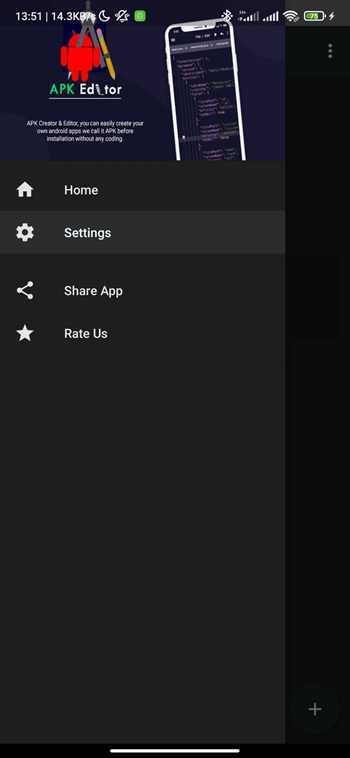
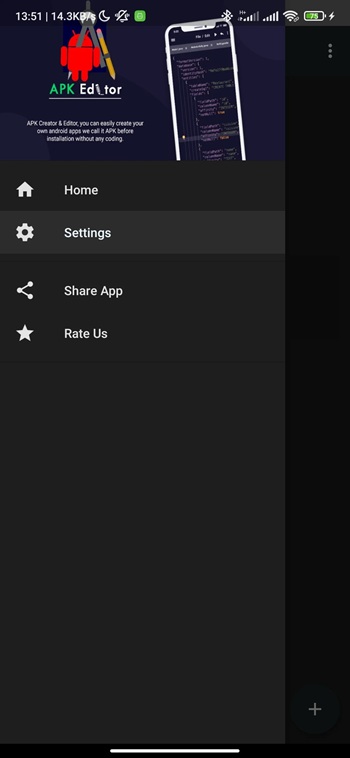
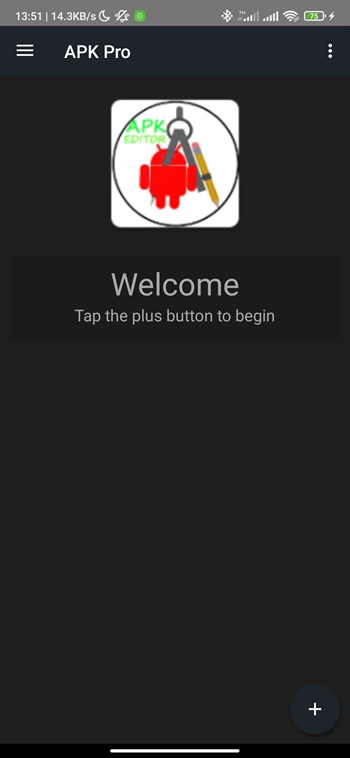
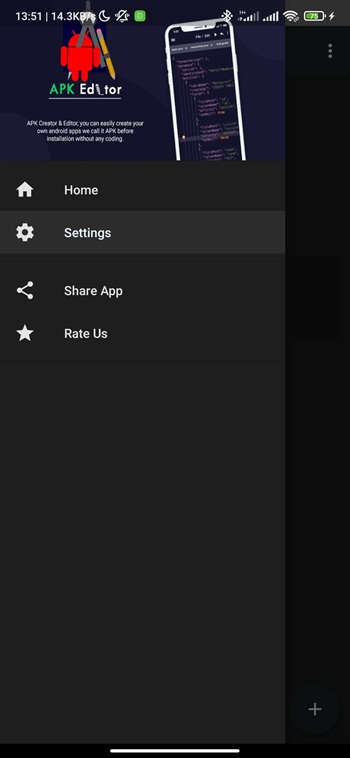
Key features include resource replacement, permission removal, language trimming, and layout tweaks. These options are useful for testing, localization changes, or personal customization. The interface keeps actions fairly direct, so users can see which files they are changing instead of guessing behind the scenes.
There are clear advantages for advanced users and testers. You can adjust visuals, reduce app size by removing unused languages, or check how an app behaves after certain permissions are removed. For developers and modding fans, it works like a lightweight workshop on a phone.
There are also limits and risks. Editing APK files can cause crashes or installation errors if the structure is changed incorrectly. Some apps use protection methods that block modification. Beginners may find Full Edit mode confusing at first, and trial and error is common when learning how packages are organized.
This app fits users who are comfortable handling Android files and want hands-on control over app packages. It is especially useful for testers, hobby modders, and learners studying how APK resources are arranged.
FAQs APK Editor
What is APK Editor used for?
+
It is used to modify APK files, such as changing images, text, permissions, and other internal resources of Android apps.
How does Simple Edit mode work in APK Editor?
+
Simple Edit mode lets you quickly replace or adjust selected files inside an APK without rebuilding every component, which makes small changes faster.
What is the difference between Simple Edit and Full Edit?
+
Simple Edit handles direct file swaps, while Full Edit rebuilds the whole package and supports deeper structural changes that need more skill.
Can APK Editor extract APK files from installed apps?
+
Yes, it can pull the APK package from apps already installed on your device so you can edit them even if you do not have the original file.
Is APK Editor suitable for beginners?
+
Basic tasks are manageable, but advanced edits require technical knowledge since incorrect changes can cause install errors or app crashes.
Discover More Interesting Apps
-
 Mod
Mod
Tween Craft
v1.892.5
163.19 Mb
Updated -
Mod
Reface
v7.4.0
94.11 Mb
Updated -
TOD TV
v26.9
51.32 Mb
Updated -
Mod
Talkie AI
v2.61.607
157.87 Mb
Updated -
Mod
ReelShort
v4.2.00
121.49 Mb
Updated -
Mod
DramaBox
v6.9.3
114.11 Mb
Updated -
Mod
Amazon Prime Video
v3.0.476.947
194.21 Mb
Updated -
Sling TV: Live TV + Freestream
v9.5.166
319.00 Mb
Updated -
Dopamine TV
v2.0
25 MB
Updated -
Mod
Romantic AI
v1.31.6
81.73 Mb
Updated










Share Your Thoughts